Edge Lighting & Border Light (developed by Alpha Labs) respects the privacy rights of its users and is deeply dedicated to safeguarding all personal information. This Privacy Policy details our practices concerning permission usage, third-party analytics, and data management.
💡
User Acceptance: By downloading, installing, or using Edge Lighting & Border Light, you agree to the terms of this Privacy Policy. If you do not agree with our data handling practices, please refrain from using the application and uninstall it from your device.
Our app operates on principles of transparency and least privilege, requesting only those permissions strictly required to deliver lighting animations and wallpaper customizations.
To draw glowing neon edge borders over incoming notifications, render live screen effects, and set customized 4K wallpapers, the app utilizes the following Android permissions:
android.permission.BIND_NOTIFICATION_LISTENER_SERVICE
Why it is needed: Detects when incoming notifications arrive from your selected applications (e.g. messaging apps, social networks) so that Edge Lighting can trigger customized border light animations and edge glow pulses. Notification text is processed locally in real-time and is never logged, stored, or sent to any server.
android.permission.SYSTEM_ALERT_WINDOW
android.permission.POST_NOTIFICATIONS
Why it is needed: Allows the app to display smooth, animated border lighting around the edges of your screen while using other applications or when receiving calls. We maintain a lightweight foreground service notification to ensure smooth frame rates; you can disable this service at any time directly in the app or via system settings.
android.permission.WRITE_EXTERNAL_STORAGE
android.permission.READ_MEDIA_IMAGES
Why it is needed: Enables you to save generated border light wallpapers and customized 4K backgrounds to your device's photo gallery, allowing you to easily share them with friends.
android.permission.SET_WALLPAPER
Why it is needed: Required so the application can apply your selected edge lighting wallpaper to the Home screen, Lock screen, or both with a single tap.
android.permission.INTERNET
android.permission.ACCESS_NETWORK_STATE
android.permission.ACCESS_WIFI_STATE
Why it is needed: Required to download fresh border light styles, online wallpapers, verify network status, and display AdMob advertisements.
To maintain high quality, monitor stability, and support free access to wallpapers and edge lighting effects, the app integrates certified third-party SDKs:
Displays contextual ads to keep our extensive library of lighting effects and wallpapers free for all users.
View AdMob Privacy Policy →
We prioritize privacy by design. The majority of Edge Lighting's features operate completely offline and on-device without requiring registration.
👤
Account Features: If you choose to log in with Google to sync your favorite lighting presets, we only store your Email Address, Display Name, and Profile Photo URL.
- We do not inspect, record, or transmit the content of your notifications.
- We never sell or distribute your data to third-party data brokers.
- You may use Edge Lighting in anonymous/guest mode with full access to standard lighting effects.
You have the right to request the complete erasure of your user profile and all associated data at any time.
1
Open Edge Lighting App
Launch Edge Lighting & Border Light on your mobile device.
2
Open Account / Settings
Go to the Account / Profile section from the bottom navigation menu.
3
Select "Delete Account"
Scroll to the bottom and tap "Delete Account". Confirm the confirmation prompt.
⚠️
Permanent Purge: Once deleted, your profile data, saved themes, and cloud preferences will be immediately and irreversibly purged from our databases.
If you have already removed the app, you can submit an email request for data deletion to [email protected] with the subject "Account Deletion Request - Edge Lighting".
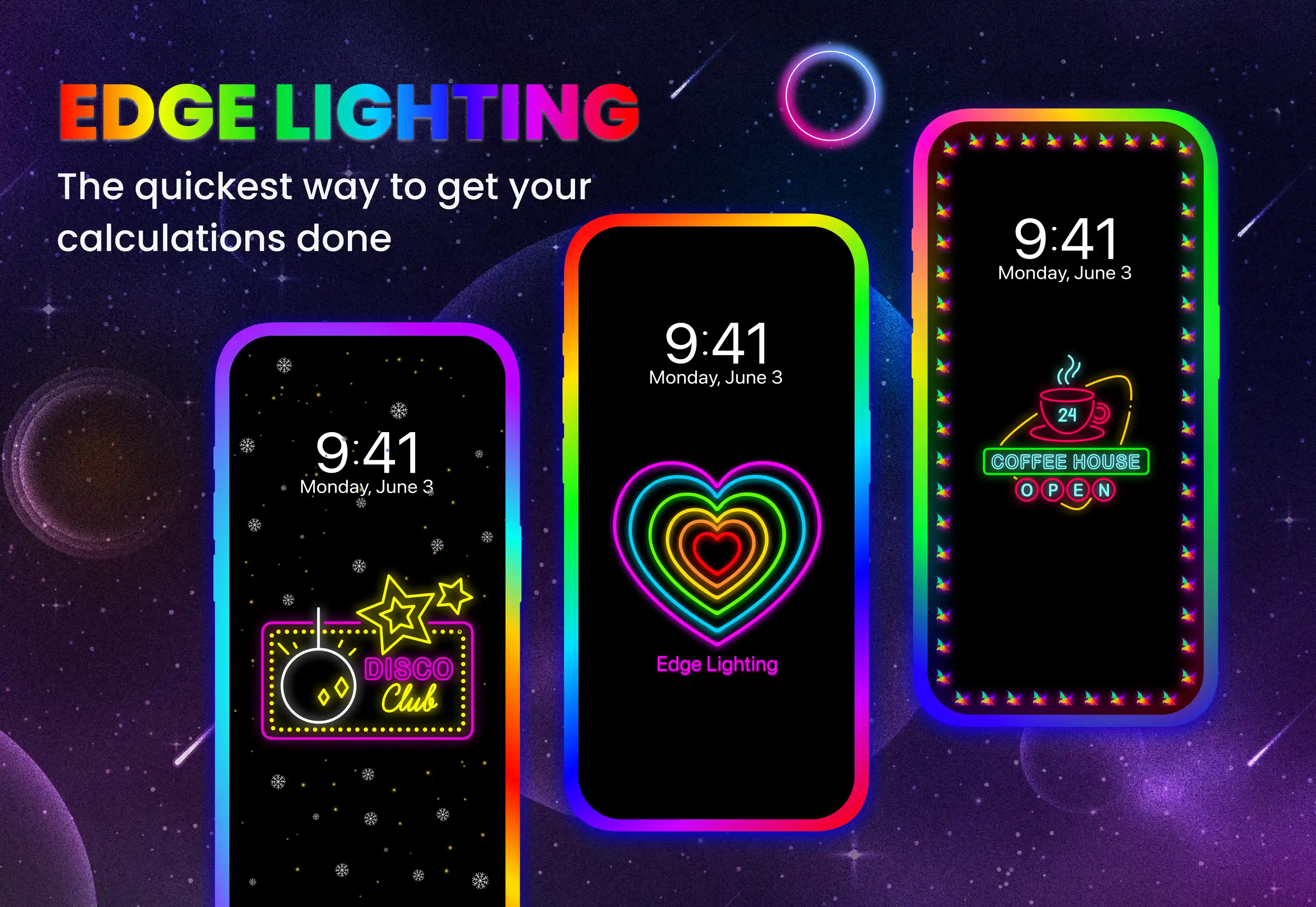
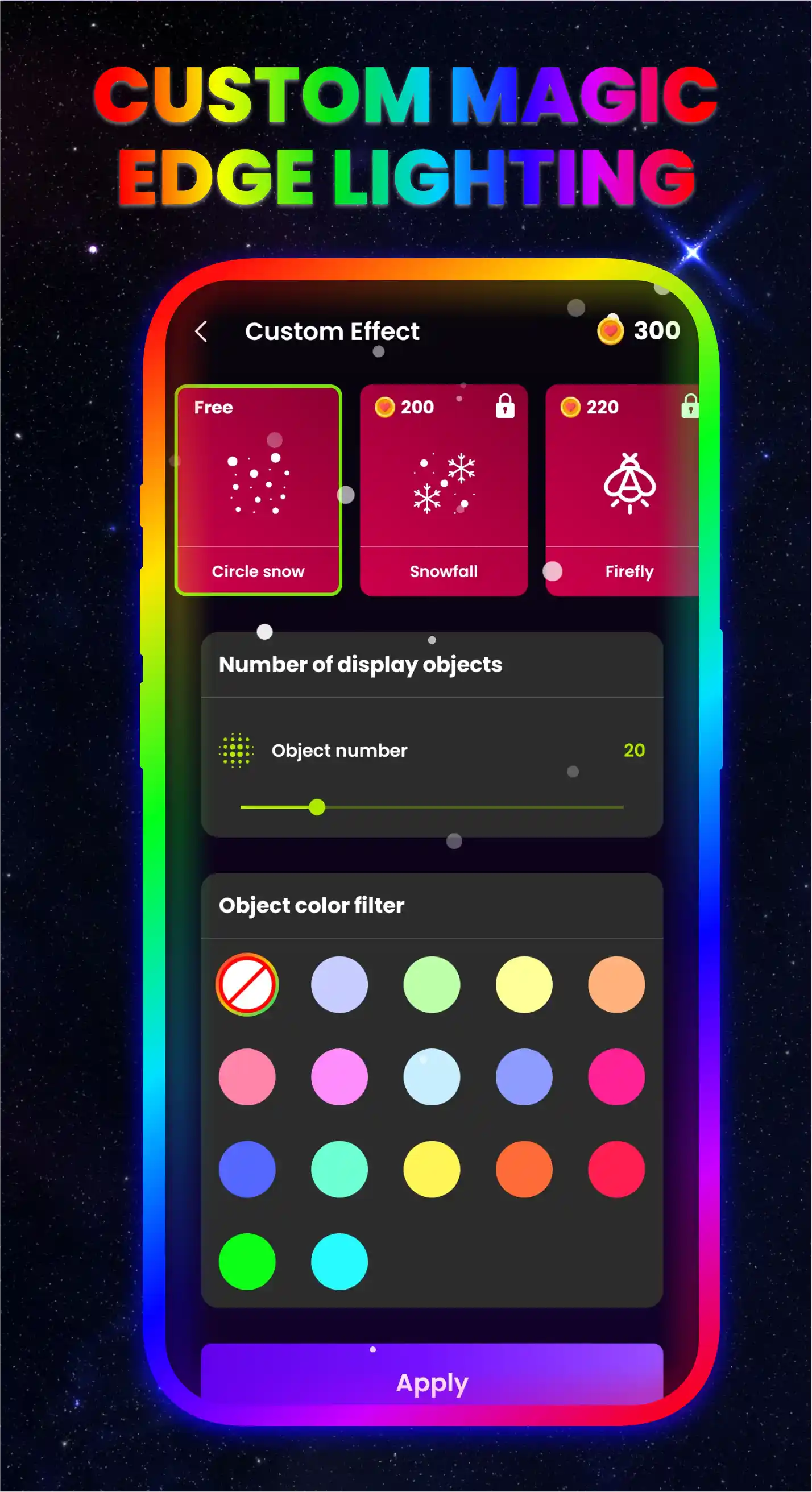
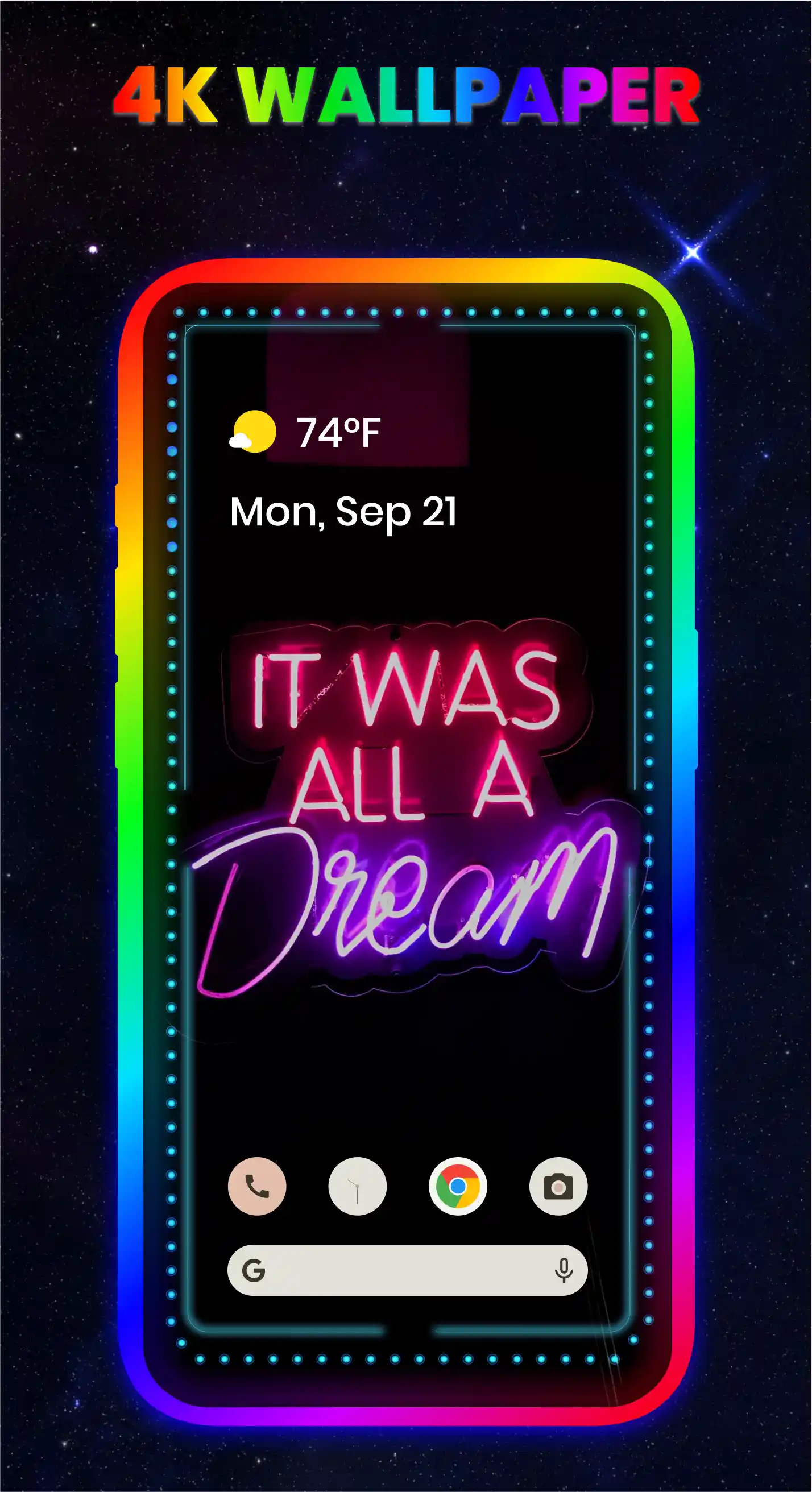
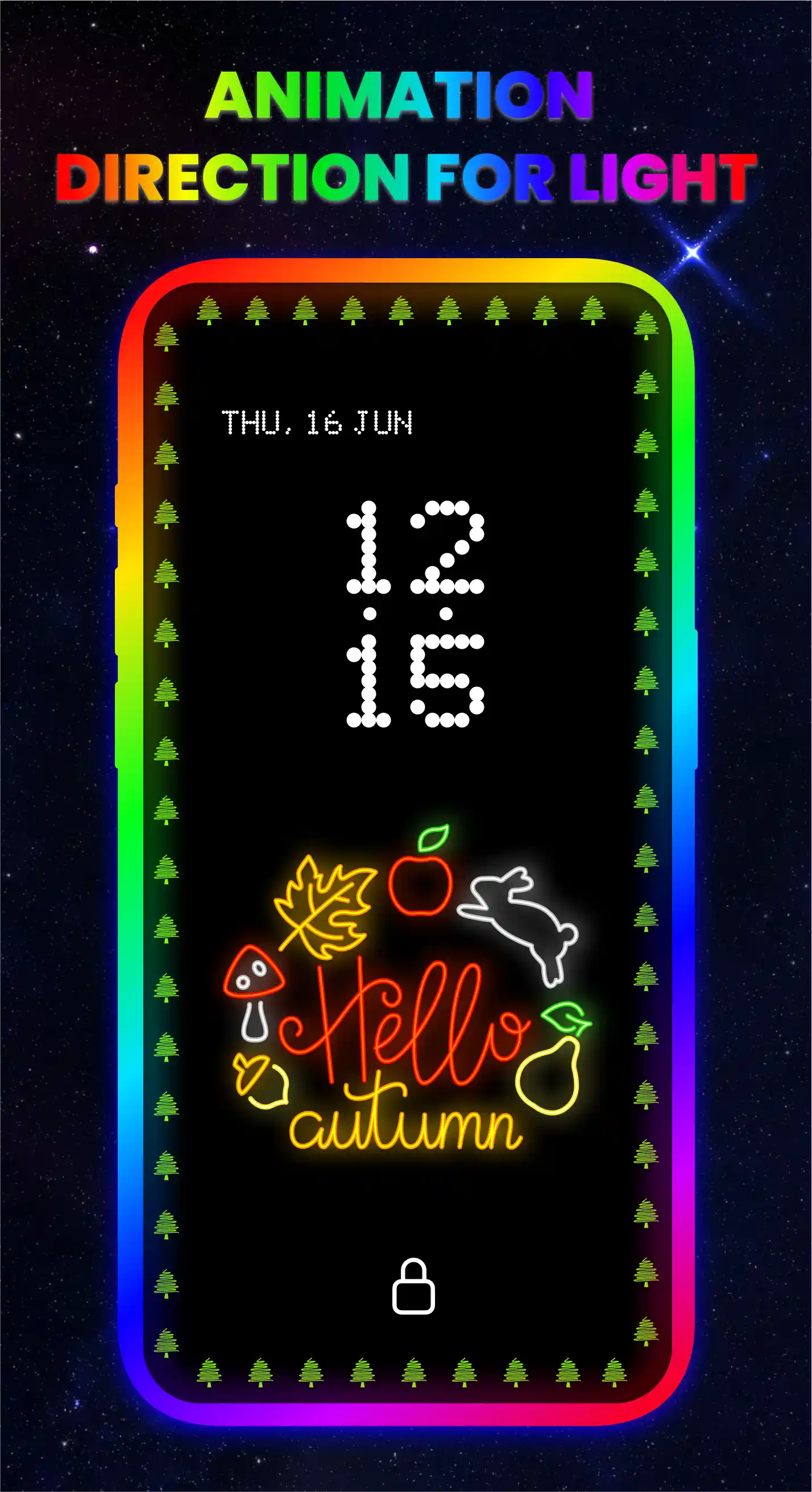
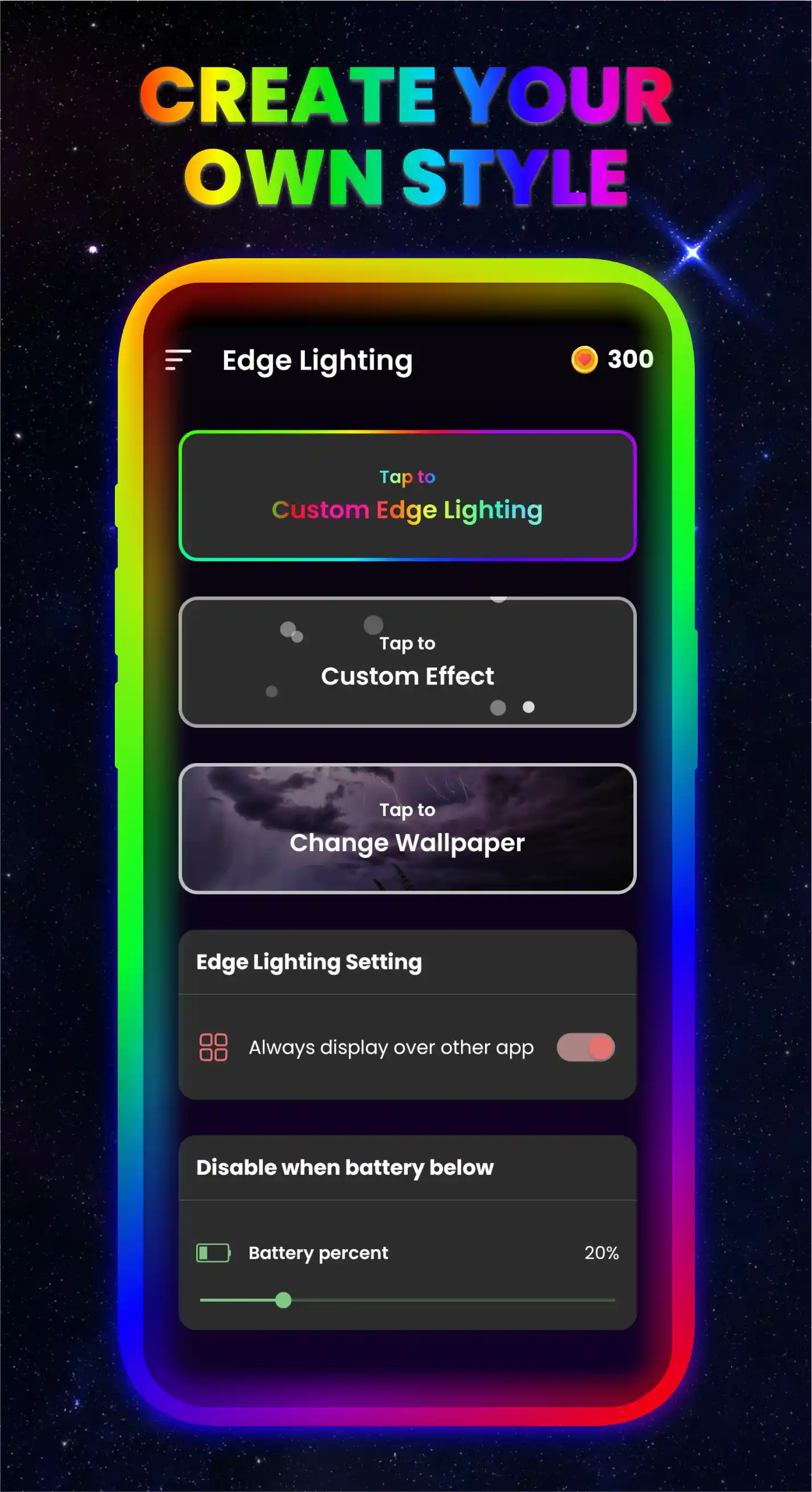
Preview Edge Lighting & Border Light's visual effects and custom wallpaper gallery:
We may update this policy occasionally to align with Android OS updates, regulatory guidelines, or new product features. All modifications will be posted directly to this URL with immediate effect upon publication.
If you have questions, feedback, or need assistance regarding our Privacy Policy and permissions handling, please get in touch with our team: