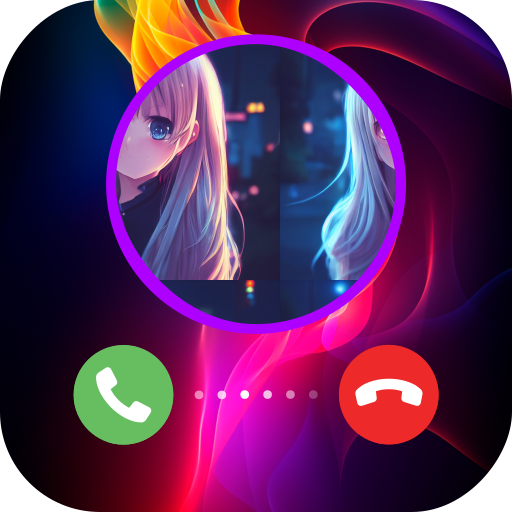
 Color Call Flash - Call Theme
Color Call Flash - Call Theme is the best app to customize your incoming call screen with beautiful themes, cool effects, and amazing ringtones. With over 30,000+ themes to choose from, you can make your call screen unique and stylish
How to use?
-
To change the call screen, you need to follow these steps:
1. Open the "Color Call Flash - Call Theme" application
2. From the main screen, select a theme (video theme or image theme)
3. In the preview screen, press apply
After the application notifies that the theme has been successfully applied, your phone is ready to display the theme for incoming calls.
Note: You need to allow related permissions such as "Default Phone", "Phone Permissions" and some special permissions with certain phone models to be able to successfully install the call theme - Using the app's dialer: The app will create a dialer shortcut when you first install it. To use this dialer, simply open the shortcut from the launcher or tap the dialer button on the main screen in the app
Heart coins
- Heart coin represents your love for our app. The more Heart coin you own, the more you will love this app. In the future, we will update the ranking of users who own heart coins. The more heart coins users own, the more rewards they have and will receive more regular support from us.
- To receive heart coins you can complete tasks in the daily mission section or complete hidden missions in the application
Ranking
- Top Rank shows your rank compared to other users
- Each week, you will receive a random secret reward if you are in the top 3 of the leaderboard
- To use this feature, you must first sign in with google
Daily Missions
- Daily missions allow you to earn more heart coins. The more heart coins you earn, the higher your ranking in the Top Ranking
- You can use the earned heart coins to unlock themes
- The heart coins you earn in this app will be credited to other apps we provide in the future
Permissions
-
Default Dialer include CALL_PHONE, READ_PHONE_STATE, READ_CONTACTS
We require these permissions so the app can make calls, display contacts. Please allow these permissions for the app to function as a default dialer -
Default Phone
We ask to set the app as default phone app so you can change the theme of your calls. This is the main feature of the application. Please set the app as default phone app so you can enjoy beautiful themes from this app -
Call status notification include POST_NOTIFICATIONS
We request these permissions so the app can notify you of call statuses such as incoming calls, outgoing calls, or missed calls. This permission is required for the default dialer, please grant this permission for the dialer to work properly -
Access Internet include INTERNET, ACCESS_NETWORK_STATE, ACCESS_WIFI_STATE
These permissions can help us download call topics from the server to display on the application, receive ads from admob, post data to firebase Analytics, check network connectivity -
The app does use third party services that may collect information used to identify you.
Link to privacy policy of third party service providers used by the app: AdMob, Firebase Analytics
Data collection
- When you sign in with Google, we collect your email address, display name, and profile picture for rankings and to manage your account.
- You can delete all your data using the delete account feature we provide in the app or feedback via email [email protected]
- We always strive to be transparent with user data and commit not to share the information we collect with anyone else.
- If you do not agree to our data collection, please do not use the login related features.
How to delete my account?
- To delete your account, you need to follow these steps: 1. Open the "Color Call Flash - Call Screen" application
- After successfully deleting your account, all your data such as name, email, avatar, ranking, daily missions will be permanently deleted and cannot be restored
2. On the main screen of the application, select the Account tab
3. In the Account screen that appears, scroll down to the bottom and select delete account
Support
- You can email us at [email protected] or email developer support [email protected]
- If you encounter a problem when using the application such as: crash, unable to install theme, please send us error information via email [email protected]. We will fix it in the shortest time possible
Alpha Labs
Alpha Labs always focuses on users to create applications that bring the best and most professional experience