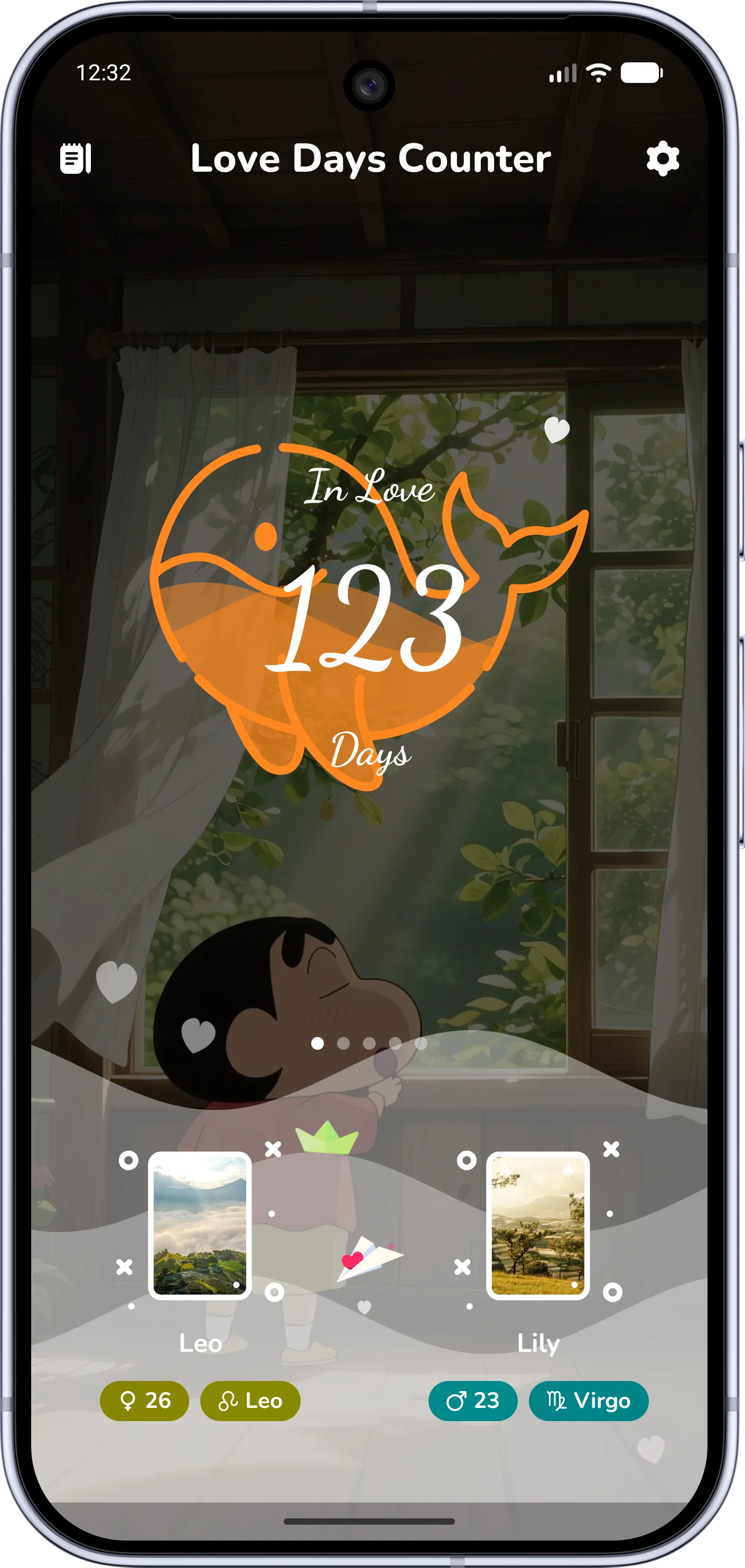
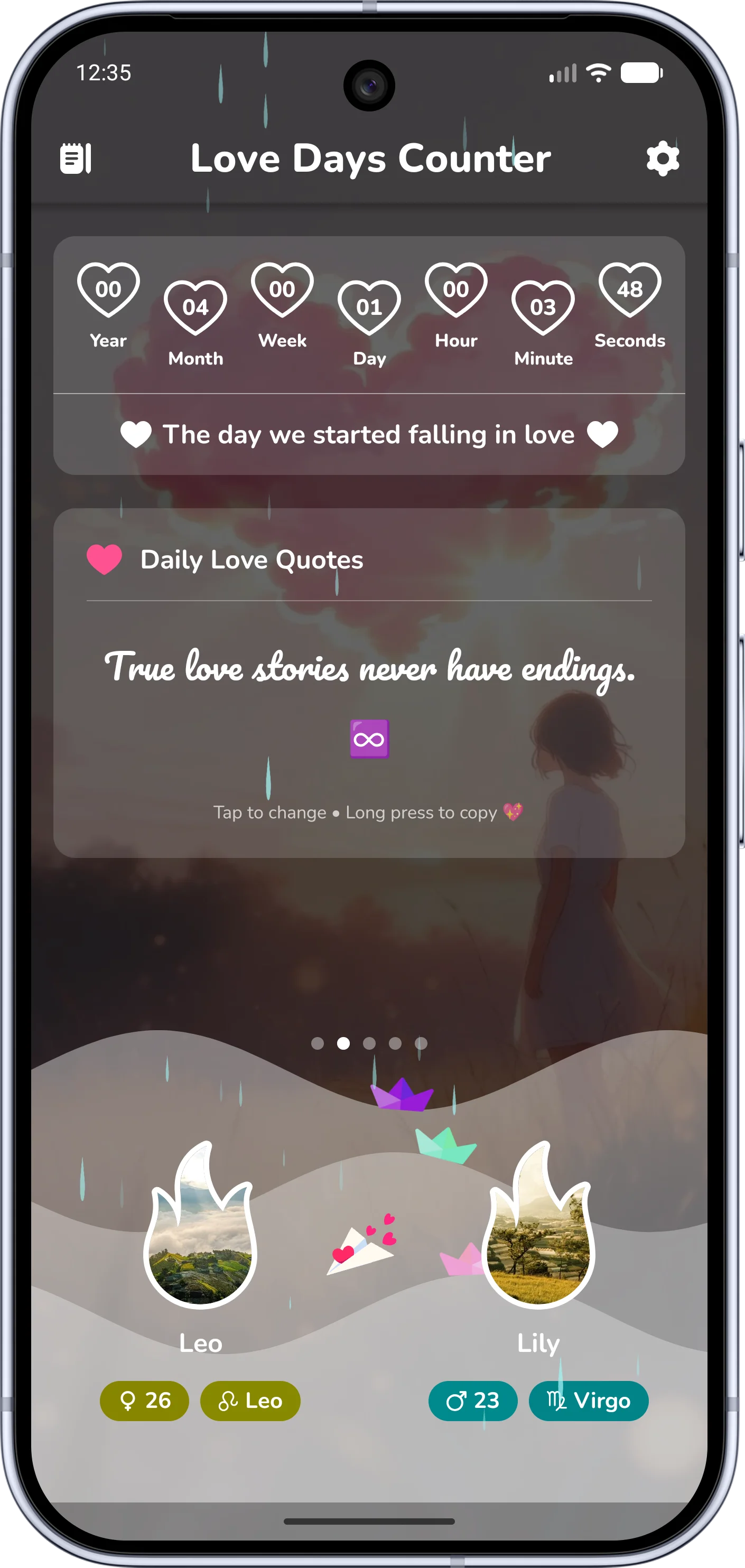
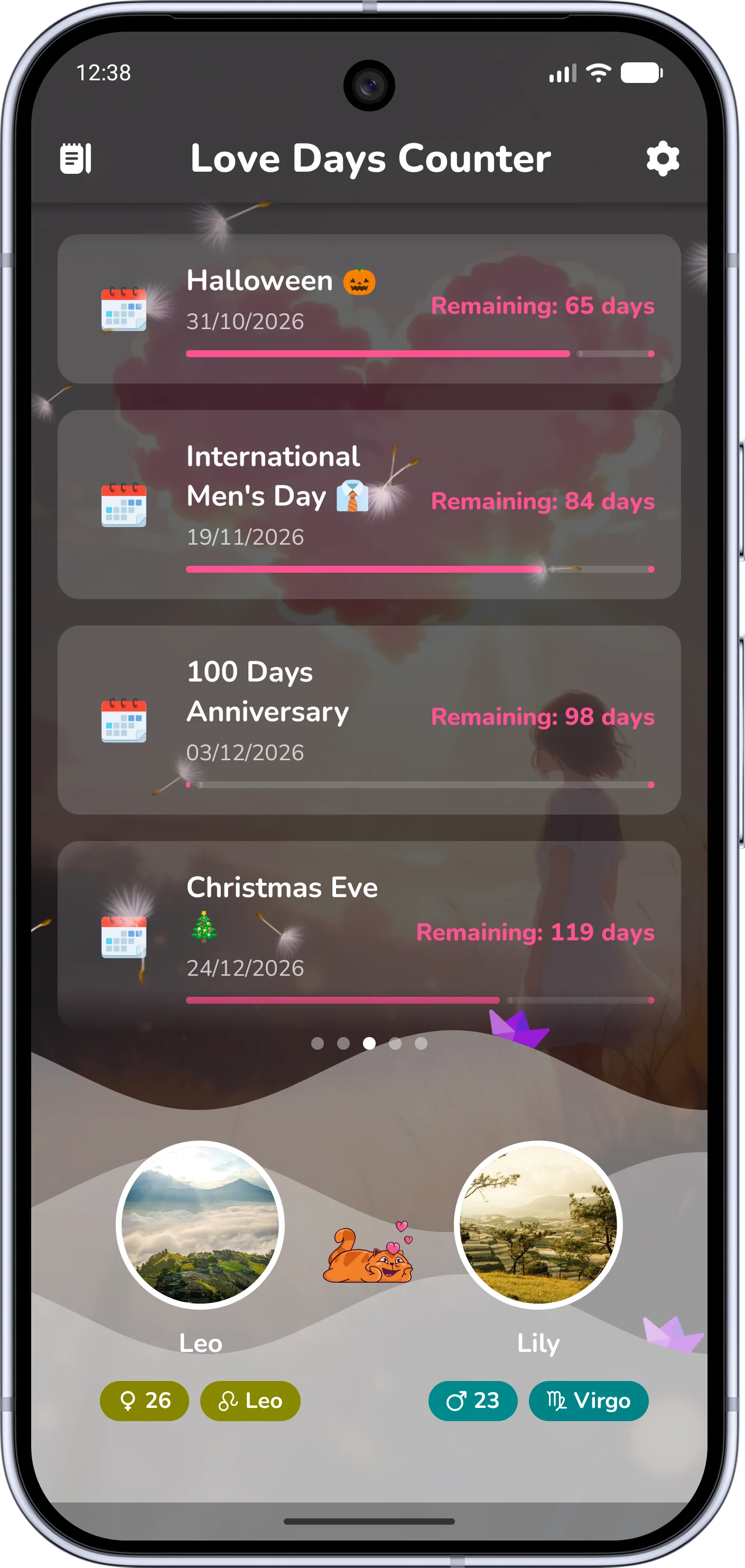
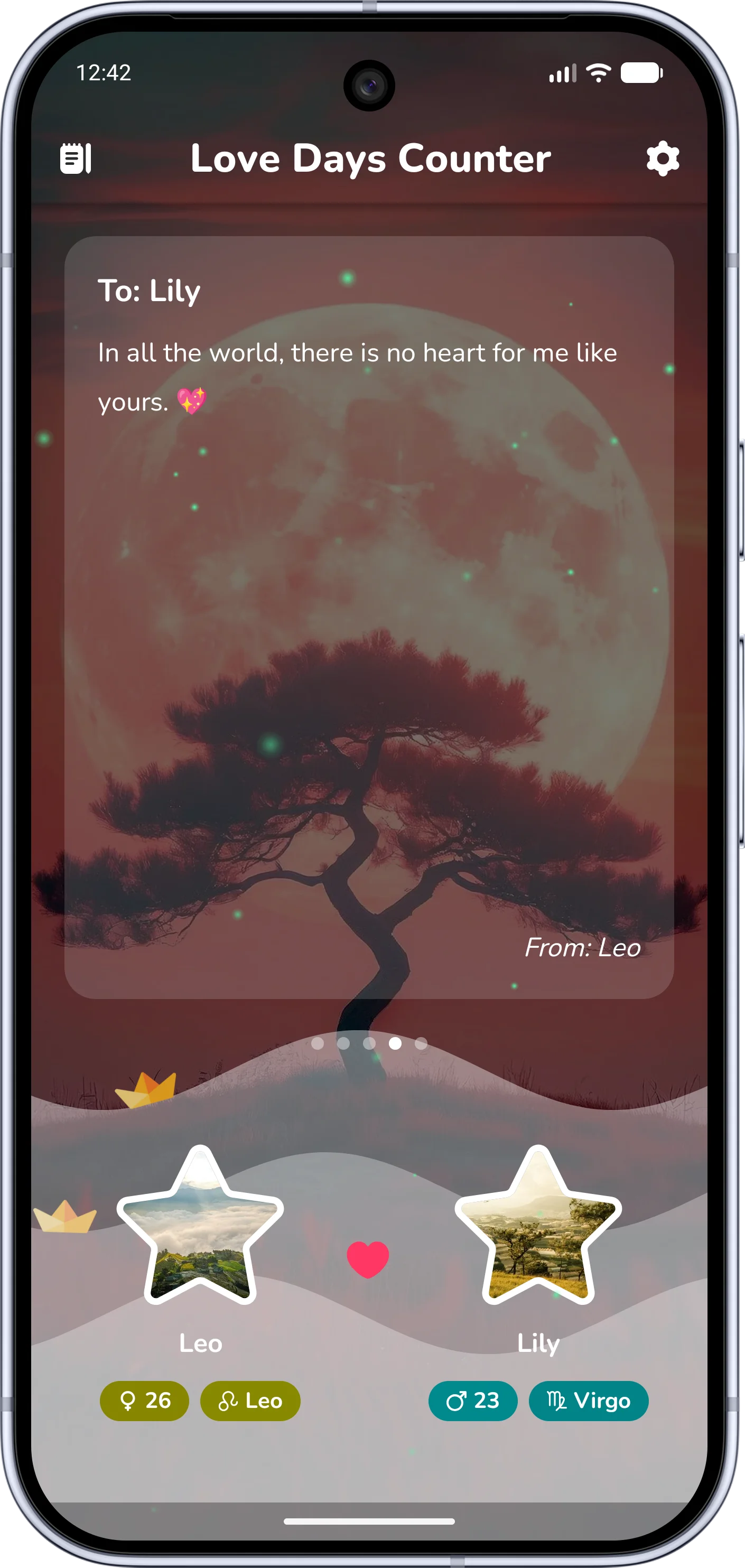
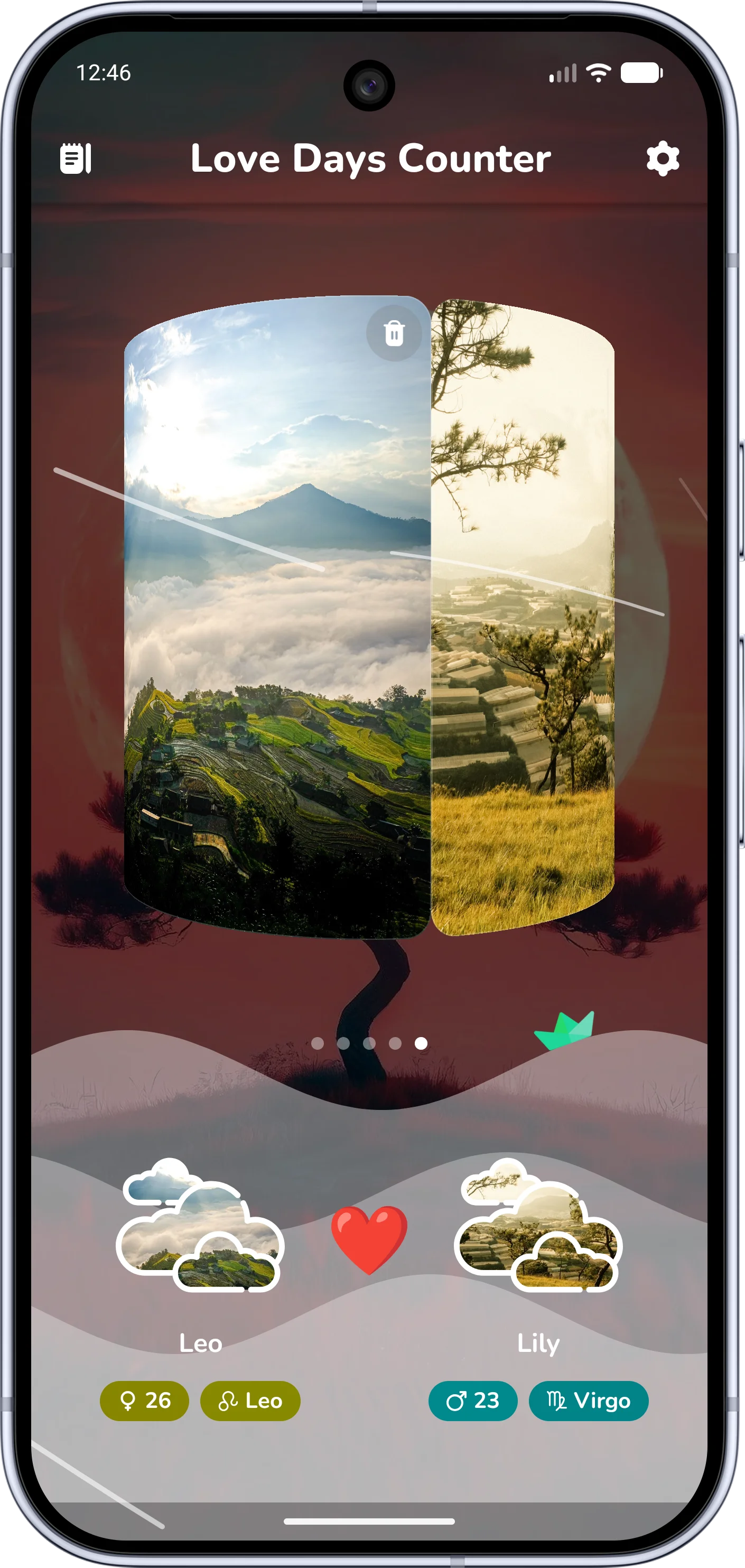
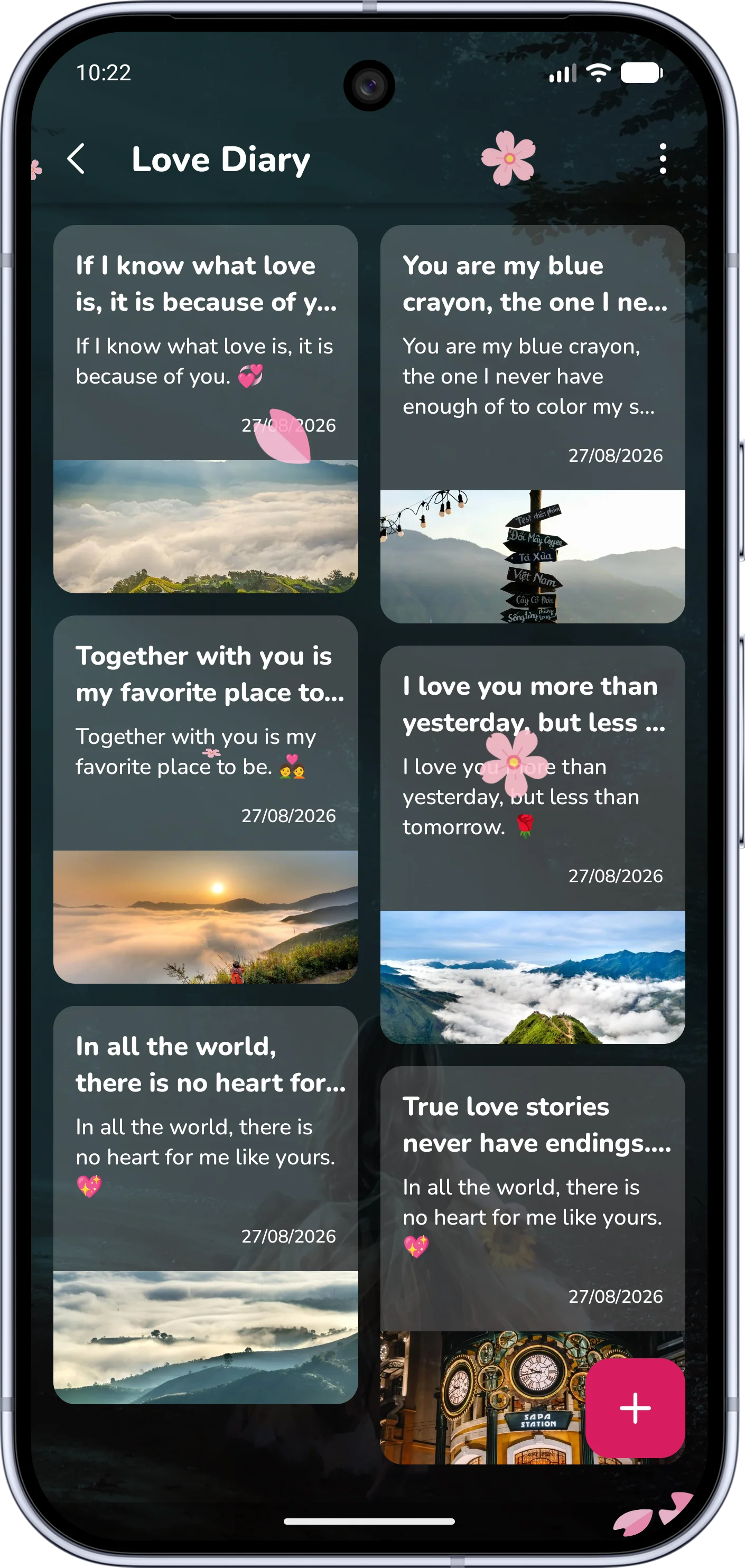
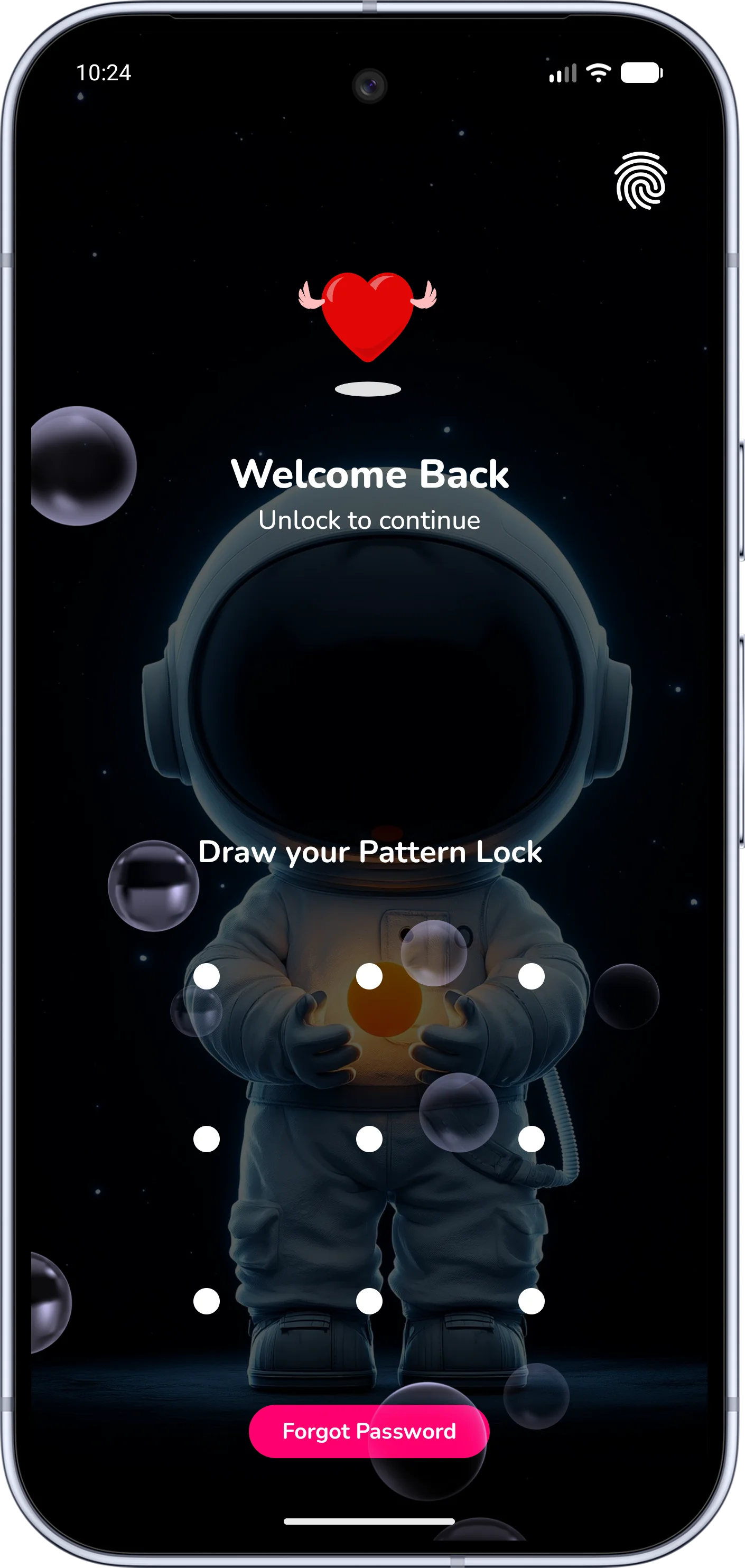
Love Diary - Love Days Counter (also known as Been Love Memory), developed by Alpha Labs, is crafted to help couples count love days, record beautiful memories, write private love letters, and celebrate relationship anniversaries. We understand that your relationship memories are deeply personal, and we treat your privacy with utmost care and respect.
💖
Privacy by Design: Your relationship milestones, diary content, photo albums, love clock counters, and anniversary dates are stored locally on your device storage. We do not access or read your private diary entries.
By using Love Diary, you consent to the practices described in this policy. If you do not agree, please discontinue use and uninstall the app.
Love Diary requests minimal permissions required to deliver timely anniversary reminders, lock security, and theme customizations:
android.permission.POST_NOTIFICATIONS
Why it is needed: Sends sweet notifications for special moments, daily love diary reminders, anniversary countdowns (e.g. 100 days, 1 year, 1000 days), and love quote alerts so you never miss a loving milestone.
android.permission.SCHEDULE_EXACT_ALARM
Why it is needed: Ensures that anniversary alarms, relationship countdown triggers, and daily diary reminders ring exactly at the user-scheduled time (down to the minute) even when the device is in battery optimization or doze mode.
android.permission.RECEIVE_BOOT_COMPLETED
Why it is needed: Re-registers and schedules your active anniversary alarms and love countdown receivers automatically after your phone restarts, ensuring uninterrupted reminder functionality.
android.permission.VIBRATE
Why it is needed: Provides tactile haptic feedback when drawing pattern locks, entering passcodes, unlocking diaries, or interacting with animated love wave effects.
android.permission.INTERNET
android.permission.ACCESS_NETWORK_STATE
Why it is needed: Used to display non-intrusive AdMob advertisements to support free development, communicate with Google Play In-App Billing for premium features, and send crash analytics.
Love Diary provides advanced privacy safeguards for your most sensitive relationship moments:
🔐
Passcode & Pattern Lock: You can protect your love diaries and secret notes with a 4-to-6 digit PIN or a pattern lock. A recovery email may be configured strictly for password reset verification and is stored securely.
- Local-First Storage: Nicknames, avatars, anniversary dates, zodiac signs, and love stories remain inside the app's sandboxed storage on your device.
- Photo Selection: When picking header photos or album images, we only access the specific images you choose via Android's secure Photo Picker.
- No Cloud Snooping: We do not operate servers that scrape or analyze your private couple photos.
To maintain high performance and monetize free features, Love Diary uses verified Google SDKs:
You have complete ownership and control over your relationship data at all times.
1
Open Love Diary
Launch the application on your Android smartphone or tablet.
2
Go to Settings
Tap the Settings gear icon on the main screen to open app preferences.
3
Clear All Data or Uninstall
Choose Reset All Data in settings, or clear app storage via Android system settings / uninstall the app.
⚠️
Instant Erasure: Because data is stored locally, clearing application storage or choosing Reset Data will immediately and permanently erase all diaries, photo attachments, and anniversary counters from your device with no remote copy retained.
For privacy inquiries, please email us directly at [email protected] with the subject line "Data Request - Love Diary".
Discover Love Diary - Love Days Counter features, beautiful themes, and couple diaries:
We may update this Privacy Policy from time to time to reflect platform compliance requirements or new features. Updates take effect immediately when published on this page.
If you have questions, feedback, or need help regarding your data privacy in Love Diary, our team is ready to support you: